Play the songs you love, your way.
Get synced chords and lyrics, tabs, strumming and picking for your songs. Bring a track from YouTube or a file, then play it on guitar, ukulele or piano.
Library is free · Song imports: free allowance every month
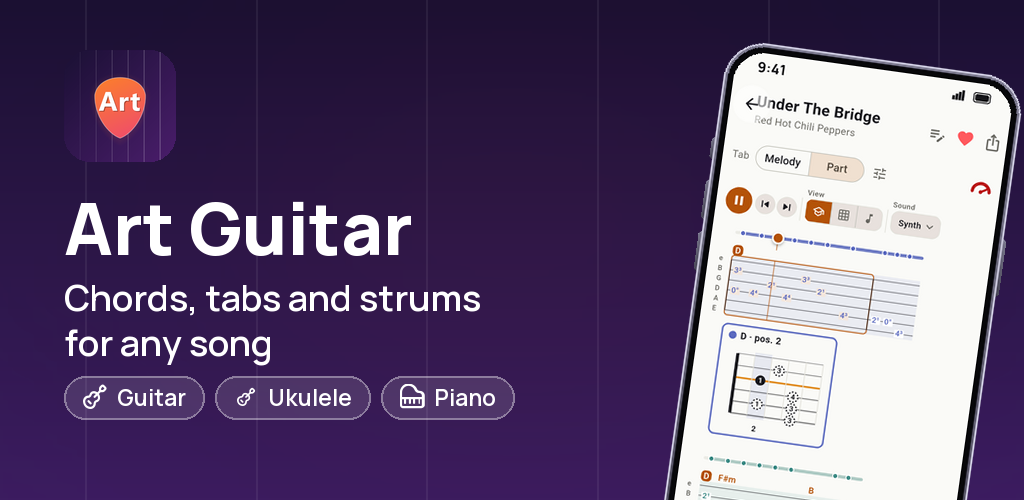
From the first note to the last chord
Real screens from the app: find a song, follow the tabs and choose a rhythm that fits.
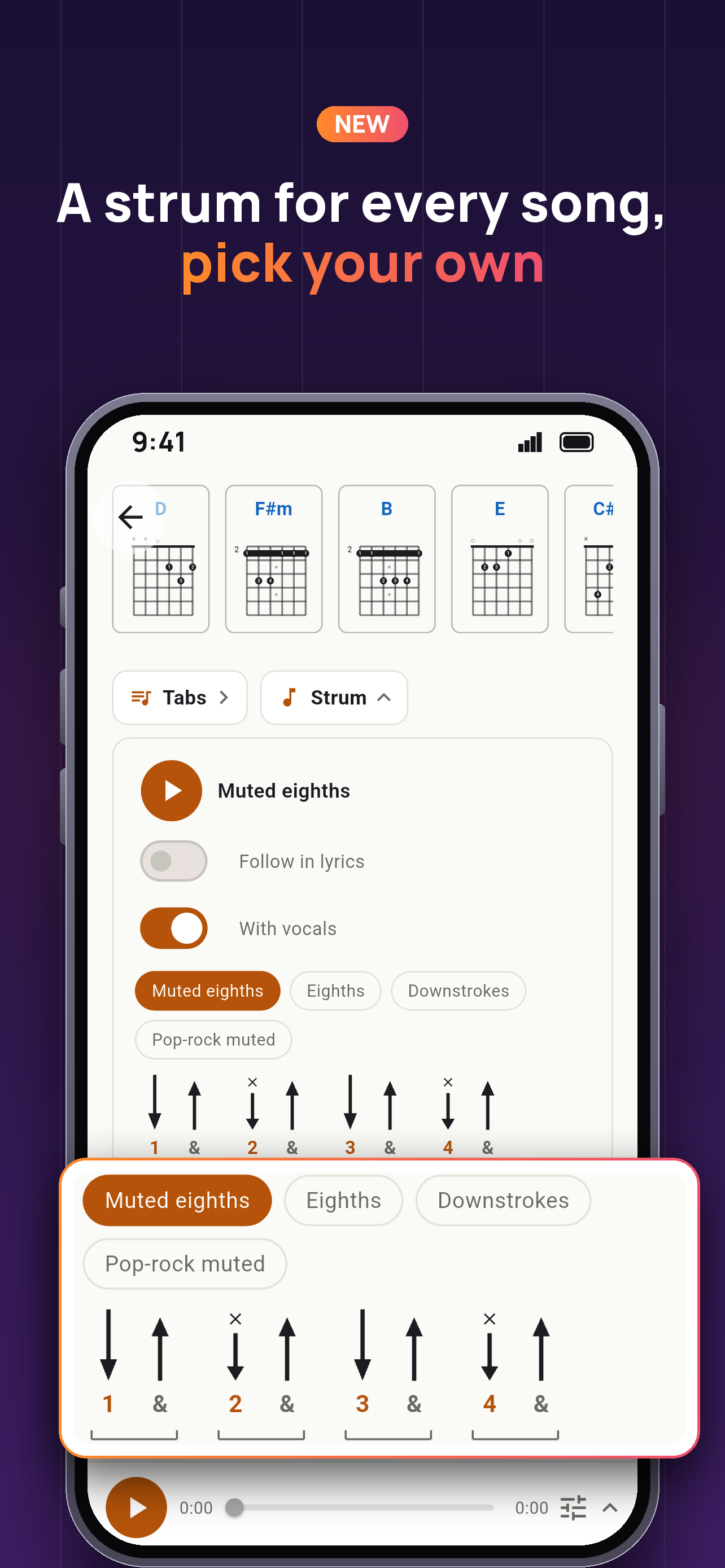
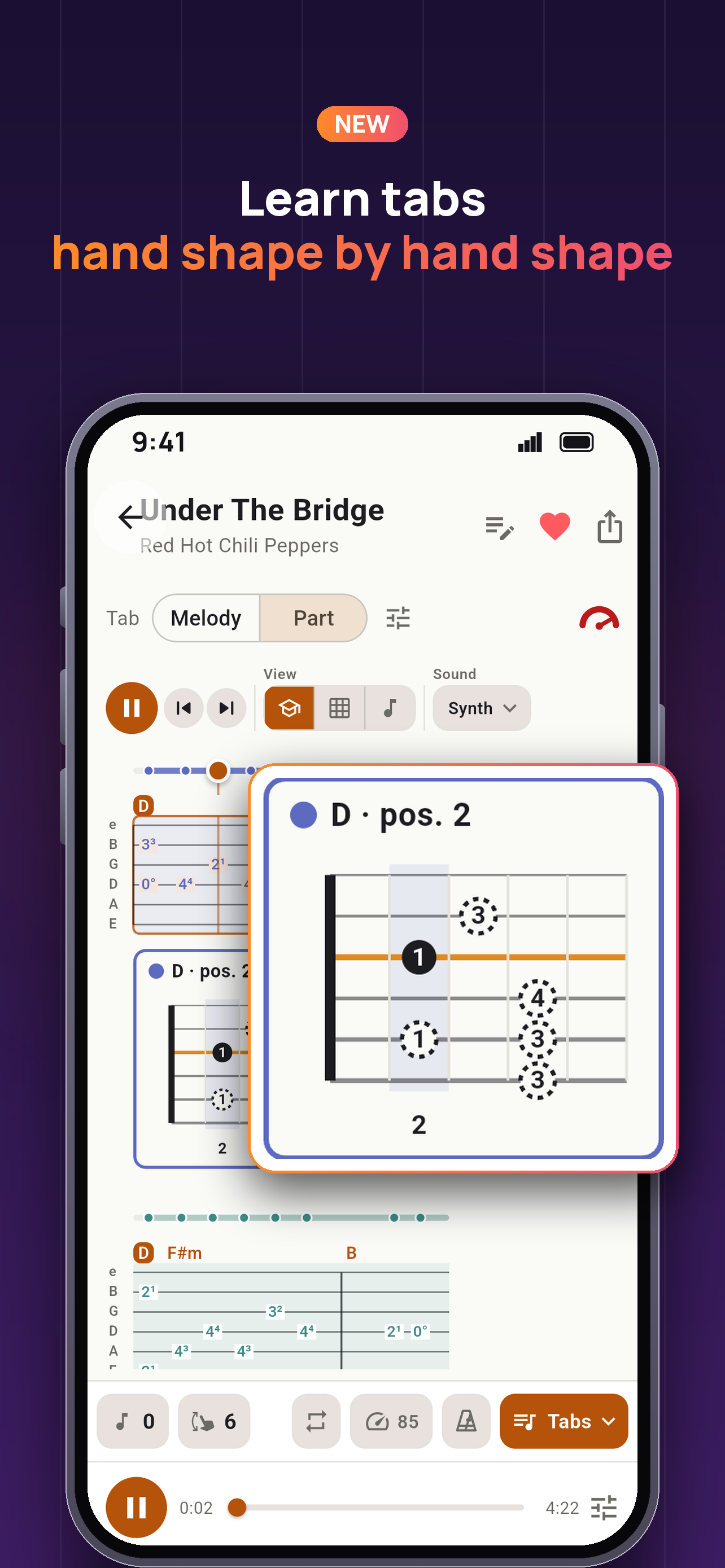
Chords, tabs and rhythm for the same song
Follow chords and lyrics, open the tabs and choose a strumming pattern while you practice.
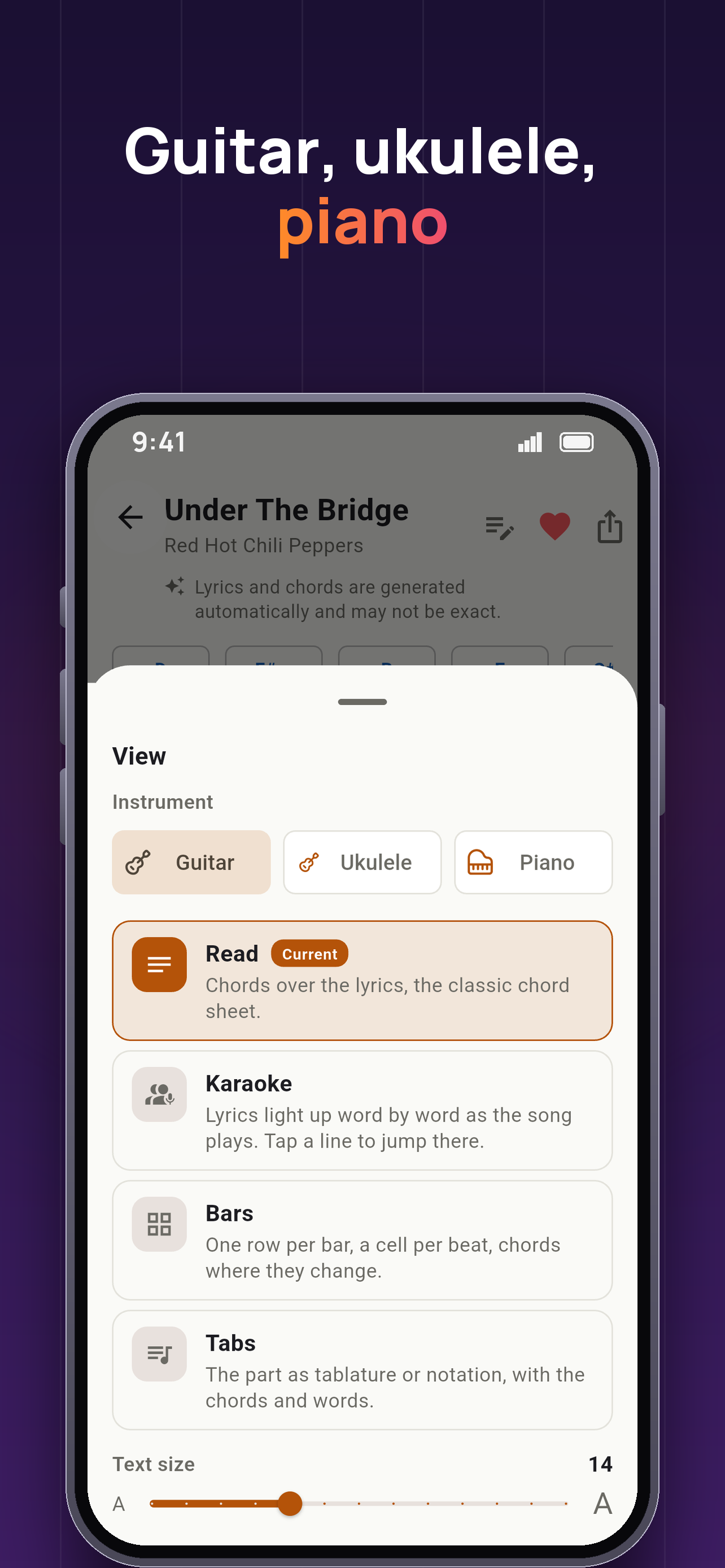
Choose your instrument and view
Switch between guitar, ukulele and piano, then read chords with lyrics, karaoke, bars or tabs.
From song to practice
Find a song
Browse the free library or find a track on YouTube.
Choose a part
Open the chords, tabs or strumming pattern you want to learn.
Play along
Follow the song and practice at your own pace.
Find songs in the library and on YouTube
Start with a ready-to-play song or import your own. The library is free; new imports have a free monthly allowance.
Open the library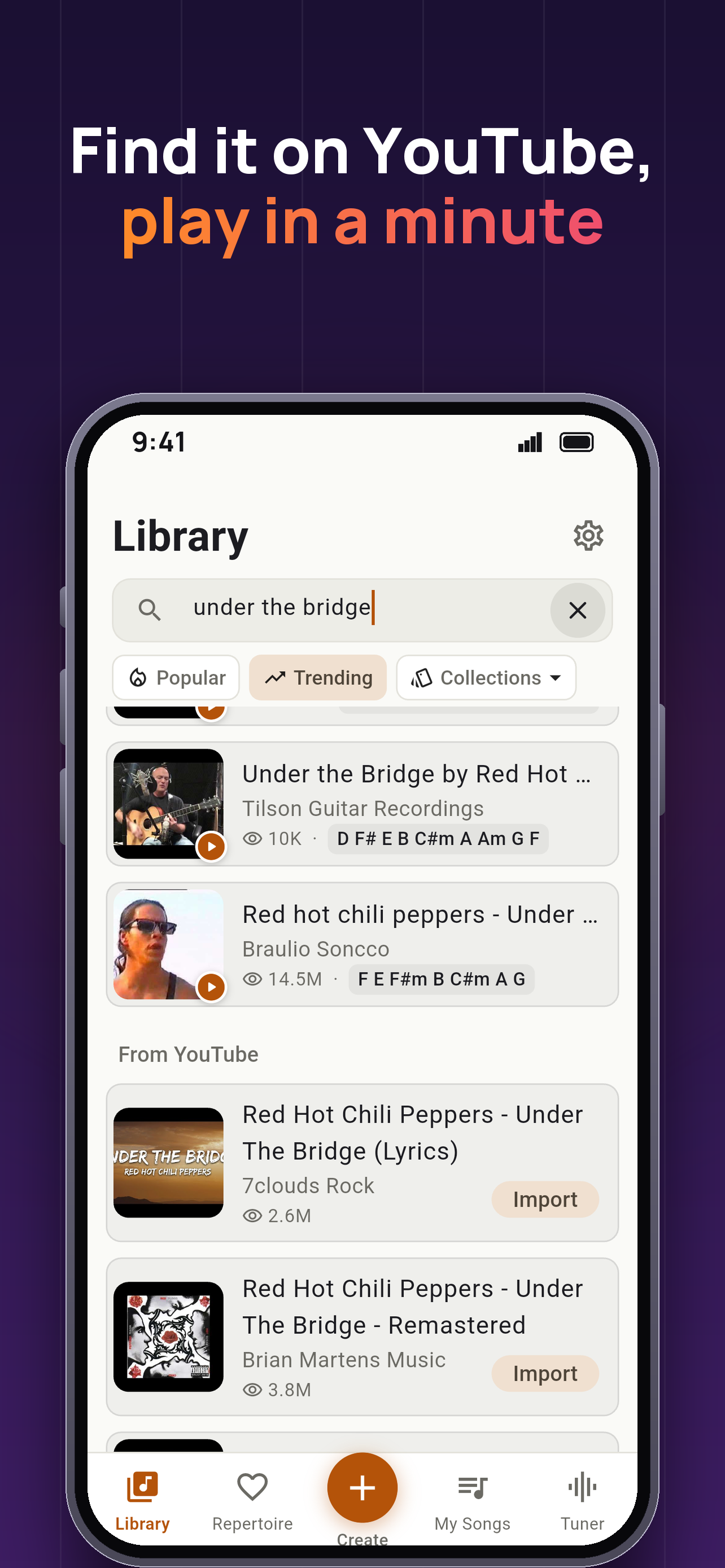
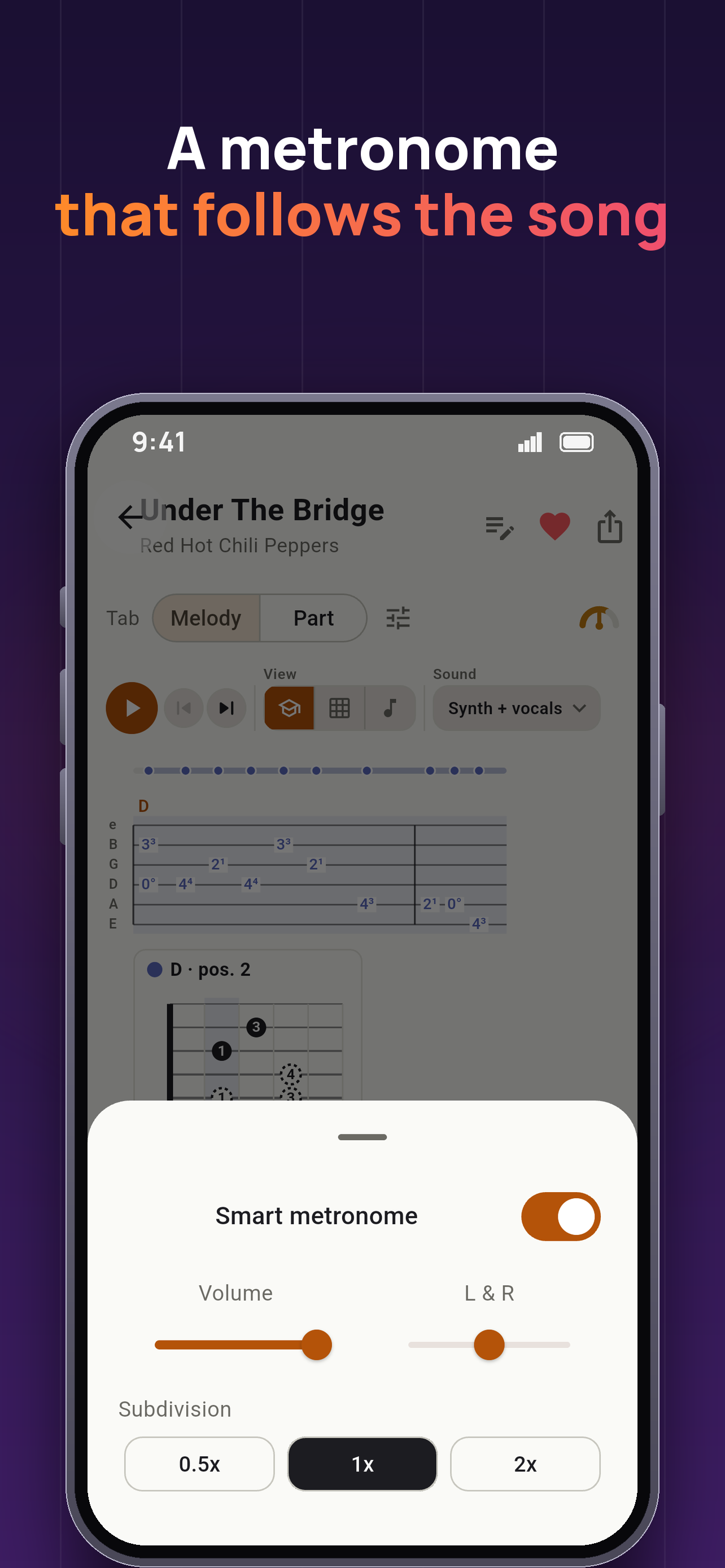
A metronome that follows the song
Slow down a difficult part as you learn it. The app also includes a tuner for your instrument.
Questions, answered
Is it free?
The whole library is free and unlimited. Song imports come with a free monthly allowance; a subscription lifts it.
Which platforms?
Available on iOS and Android.
Can I edit the chords and lyrics?
Yes. If the chords or lyrics need a correction, you can edit them right in the app.
Does it work offline?
Yes — favorited songs are stored on your device and open offline in the lyrics-and-chords view. Offline audio works for songs imported from files or recordings; YouTube videos need a connection. The tuner works offline too.
Which languages?
The app speaks English, Español, Português and Русский.